Student Multi-Factor Authentication Instructions
Multi-factor authentication (MFA) is required for almost all services used at Careeria. Microsoft Authenticator is used for authentication.
Setting up Microsoft Authenticator
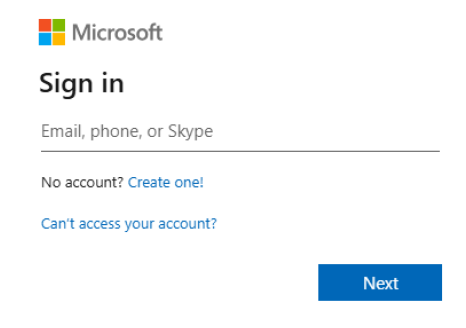
1) Go to m365.cloud.microsoft and sign in with your Careeria student account in the format firstname.lastname@student.careeria.fi.
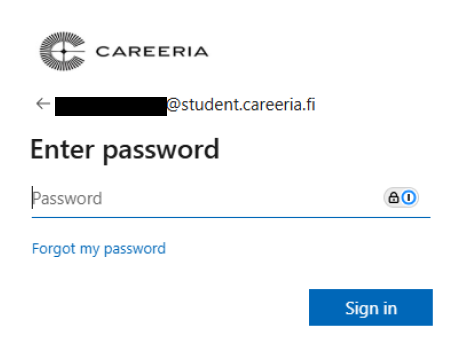
2) Enter your password.
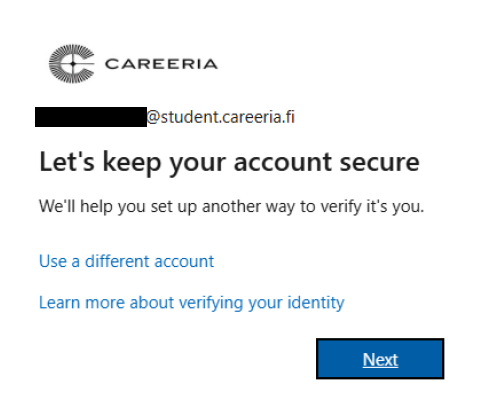
3) Follow the instructions to set up the Microsoft Authenticator app.
4) Download the Microsoft Authenticator App.
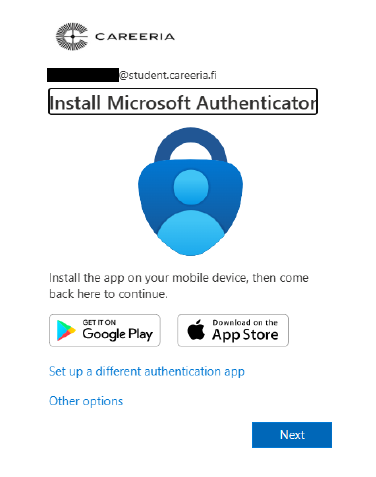
5) Add your account to the Microsoft Authenticator app.
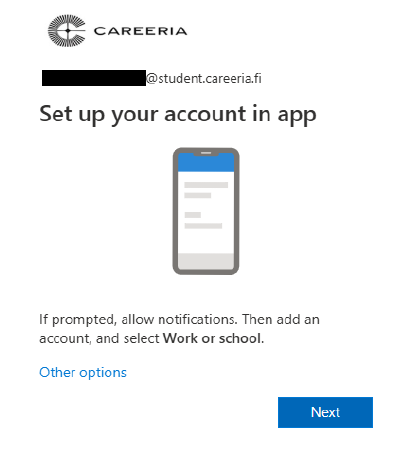
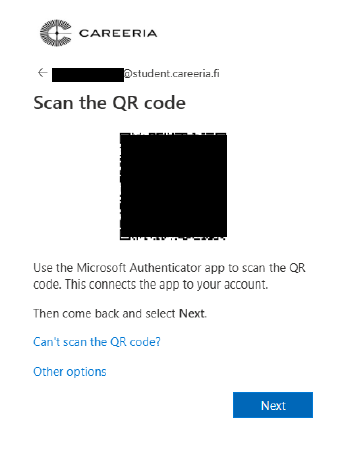
6) Use your phone’s camera to scan the QR code displayed on the screen.
7) Confirm the sign-in on your phone.
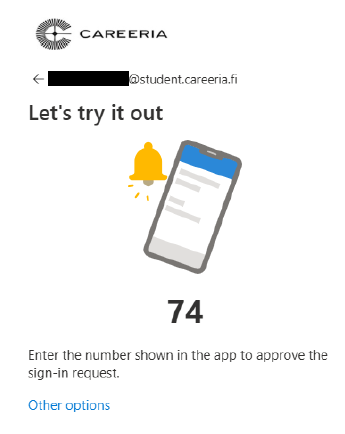
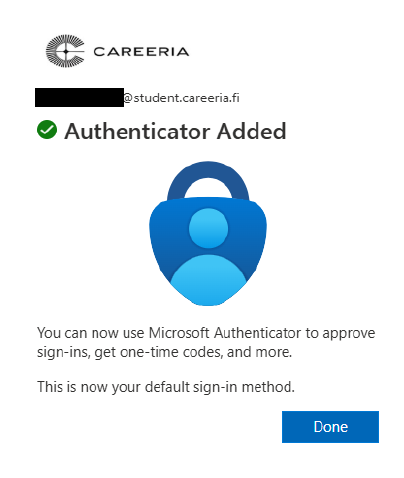
8) Microsoft Authenticator is now set up.